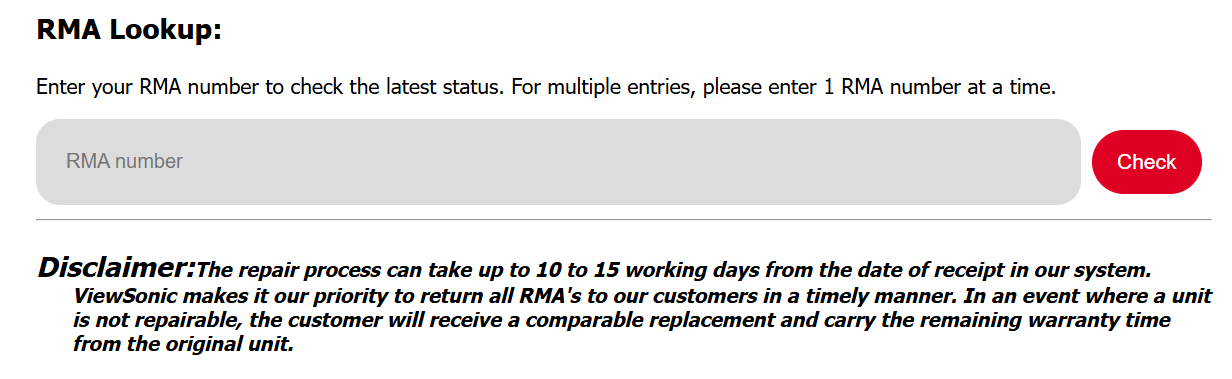
- Click HERE to check on your RMA. If you are experiencing an issue opening the link, copy and paste the following URL, https://www.viewsonic.com/us/rma-lookup, into your browser.
- Enter the RMA provided by the Customer Service agent. Example: G1234567891R
- Click "Check" to view the current RMA Status.
For additional questions, please contact ViewSonic's Support at (800) 688-6688 or submit a support ticket by clicking here. ViewSonic's hours of operations at Monday-Friday 6 AM to 6 PM.
Was this article helpful?
That’s Great!
Thank you for your feedback
Sorry! We couldn't be helpful
Thank you for your feedback
Feedback sent
We appreciate your effort and will try to fix the article