ViewSonic displays are designed with the most commonly used connectors in the display industry such as HDMI, VGA, DisplayPort, DVI, and USB-C. Please refer to the product's specifications for specific details as they can vary from product to product.
Depending on the video ports available on your PC, an adapter such as a USB-C to HDMI adapter may be required to connect to the monitor. Please refer to your PC's manufacturer for specific details.

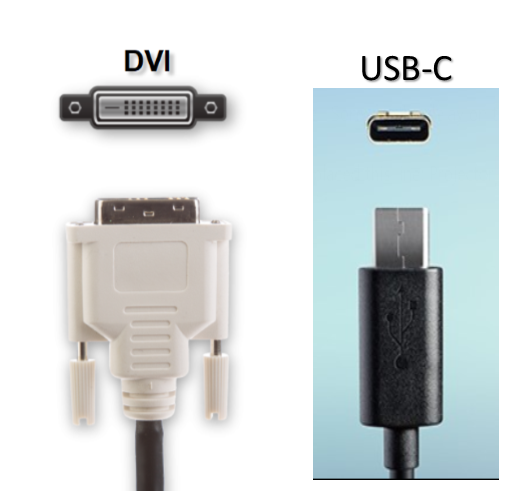
NOTE: HDMI, DVI, and USB-C cables can vary in supporting resolutions and features base the cable specifications. Verify with the cable manufacturer for details.
Was this article helpful?
That’s Great!
Thank you for your feedback
Sorry! We couldn't be helpful
Thank you for your feedback
Feedback sent
We appreciate your effort and will try to fix the article