Applies to:
- IFP6552-2ED
- IFP7552-2ED
- IFP8652-2ED
Issue:
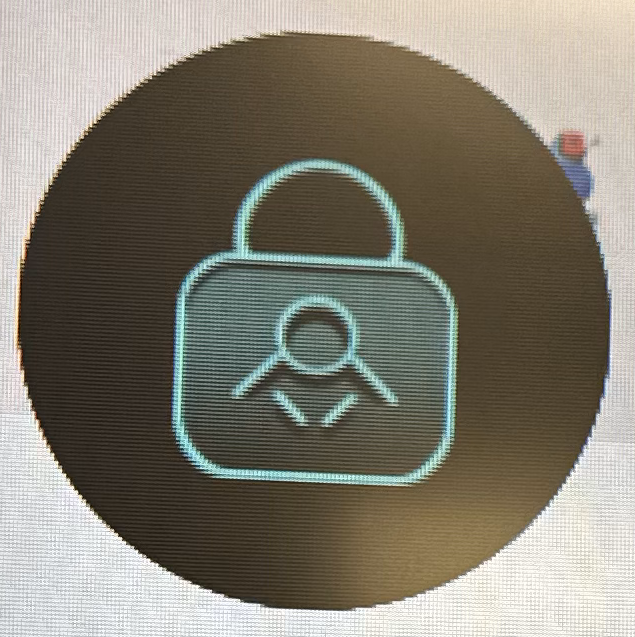
Touch is not responsive and this lock icon is appearing on the top left corner of the screen.
Description:
The lock icon indicates that the touch lock is enabled.
Instructions:
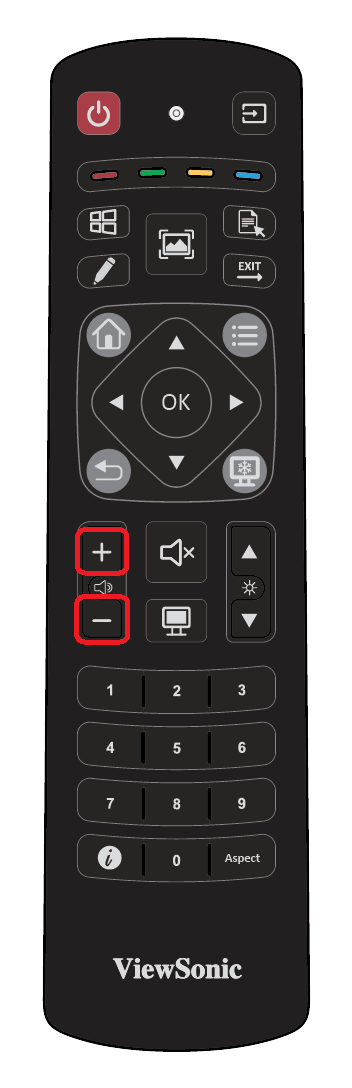
Using the remote control:
- Press VOL-, VOL-, VOL+, VOL+
For additional questions, please contact ViewSonic's Support by submitting a support ticket HERE or by Phone: US: 800-688-6688, CAN: 866-463-4775. ViewSonic’s call center hours: M-F, 6 AM - 6 PM PST.
Was this article helpful?
That’s Great!
Thank you for your feedback
Sorry! We couldn't be helpful
Thank you for your feedback
Feedback sent
We appreciate your effort and will try to fix the article