Affects Google Slides on:
IFP51 Series
VPC-A31-O1
Behavior:
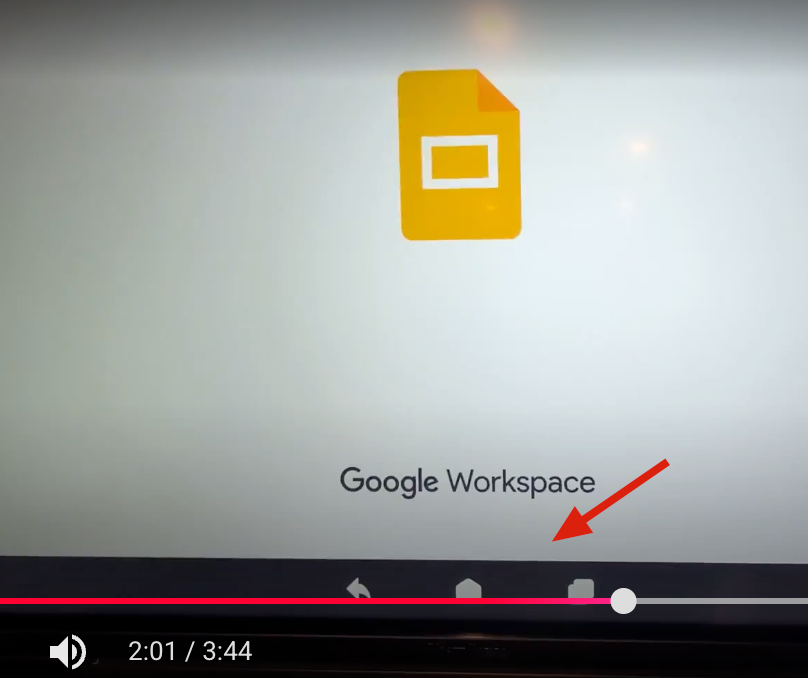
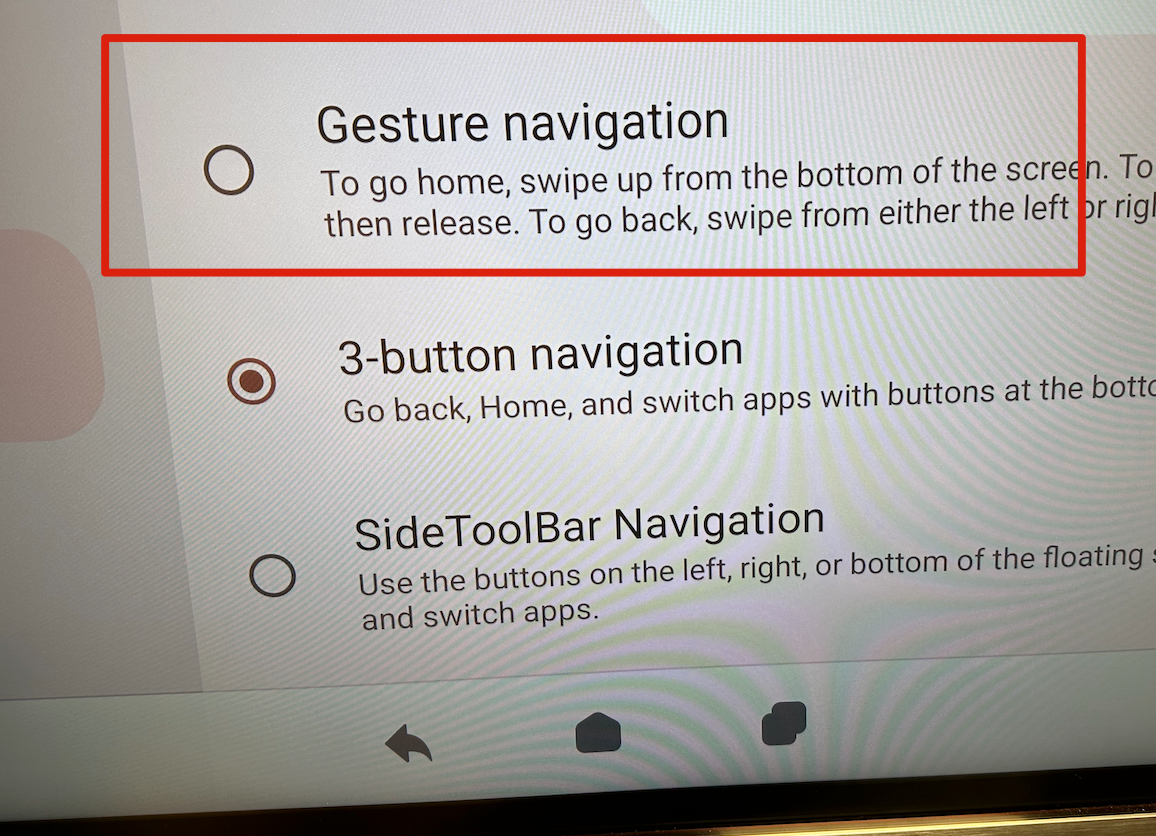
When enabling the three-button navigation or SideToolBar+navigation from the gesture menu, the system automatically reserves the screen area occupied by the virtual buttons and scales the presentation accordingly.
Solution:
To display in full screen, please change the Gesture setting to Gesture Navigation.
For additional questions, please contact ViewSonic's Support by submitting a support ticket HERE or by Phone: US: 800-688-6688, CAN: 866-463-4775. ViewSonic’s call center hours: M-F, 6 AM - 6 PM PST.
Was this article helpful?
That’s Great!
Thank you for your feedback
Sorry! We couldn't be helpful
Thank you for your feedback
Feedback sent
We appreciate your effort and will try to fix the article