Applies To:
- IFP50-5 (5th Generation)
Issue:
The Interactive Flat Panel IFP50 series displays exhibit a no audio issue on all inputs.
NOTICE: After rebooting the system, the sound will be muted, requiring the workaround to be reapplied. This is a temporary solution while ViewSonic implements a permanent solution.
Instructions:
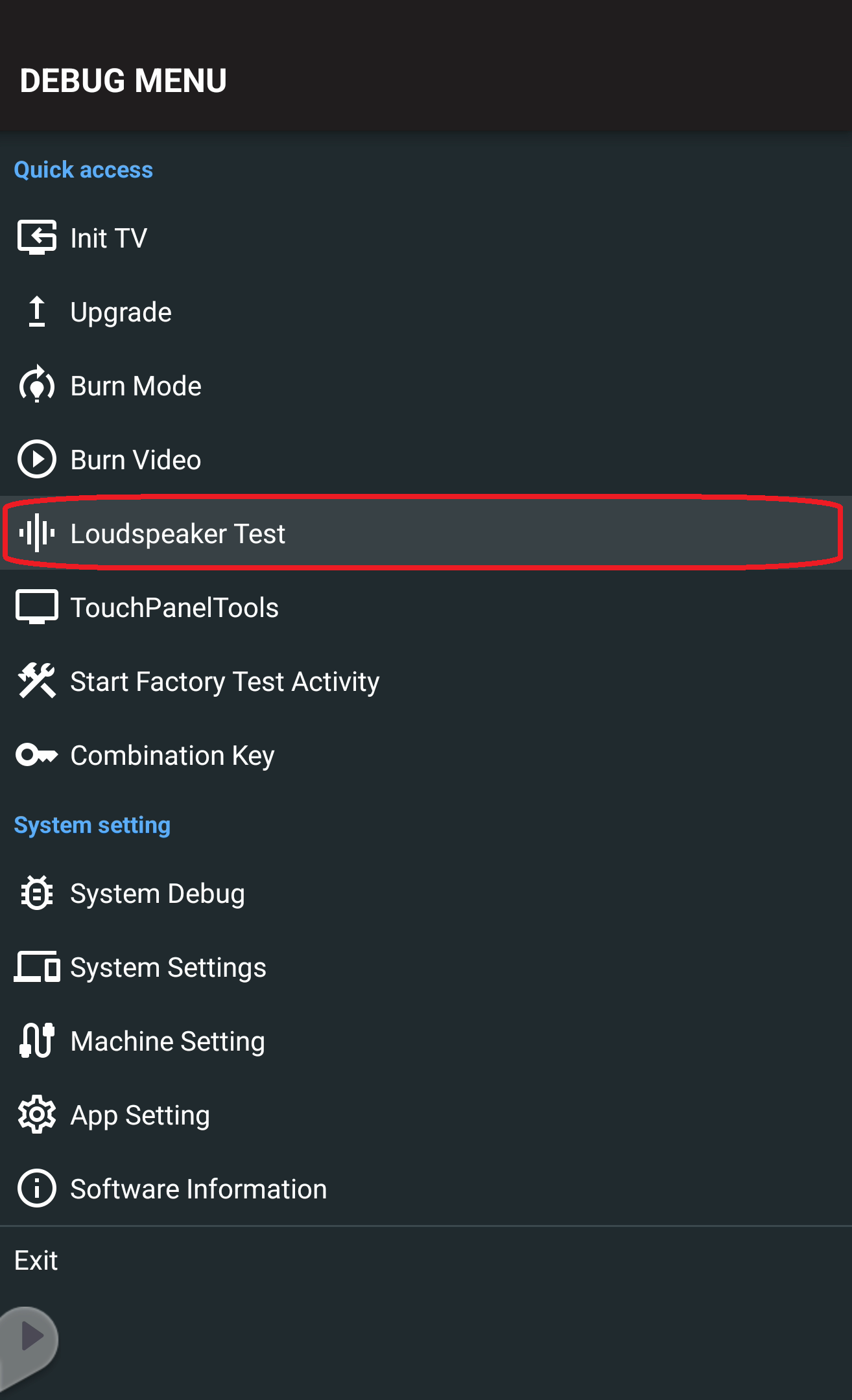
- Using the remote control, press INPUT-9-9-1 to access the debug menu.
- Select Loudspeaker Test.
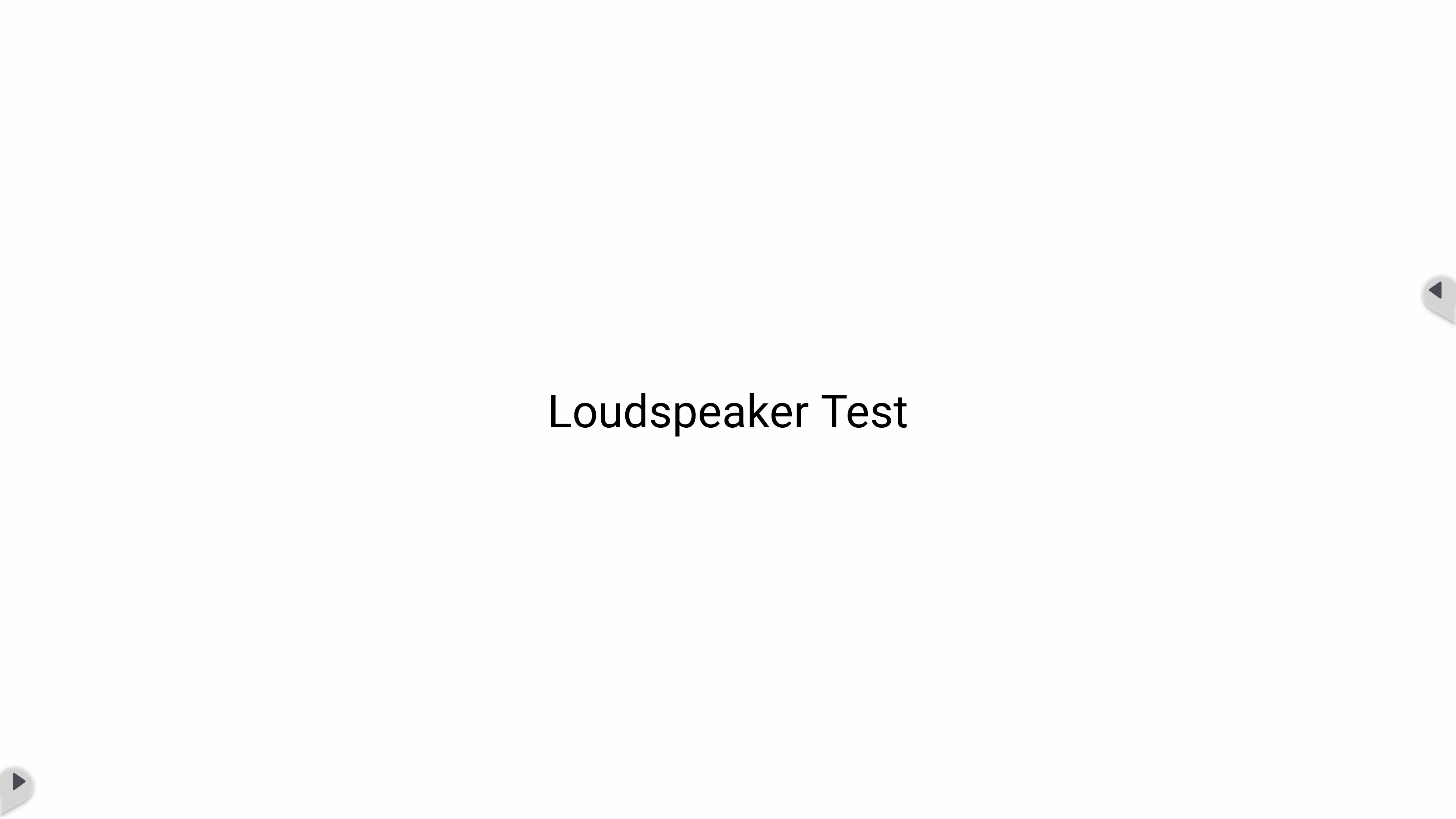
- After 5 seconds, press the Back button on the display to exit the test.

Was this article helpful?
That’s Great!
Thank you for your feedback
Sorry! We couldn't be helpful
Thank you for your feedback
Feedback sent
We appreciate your effort and will try to fix the article